Community service directory

Find the services available to residents of your community in one place. The directory brings together options approved by management, which may include home, car-care, and other everyday services.
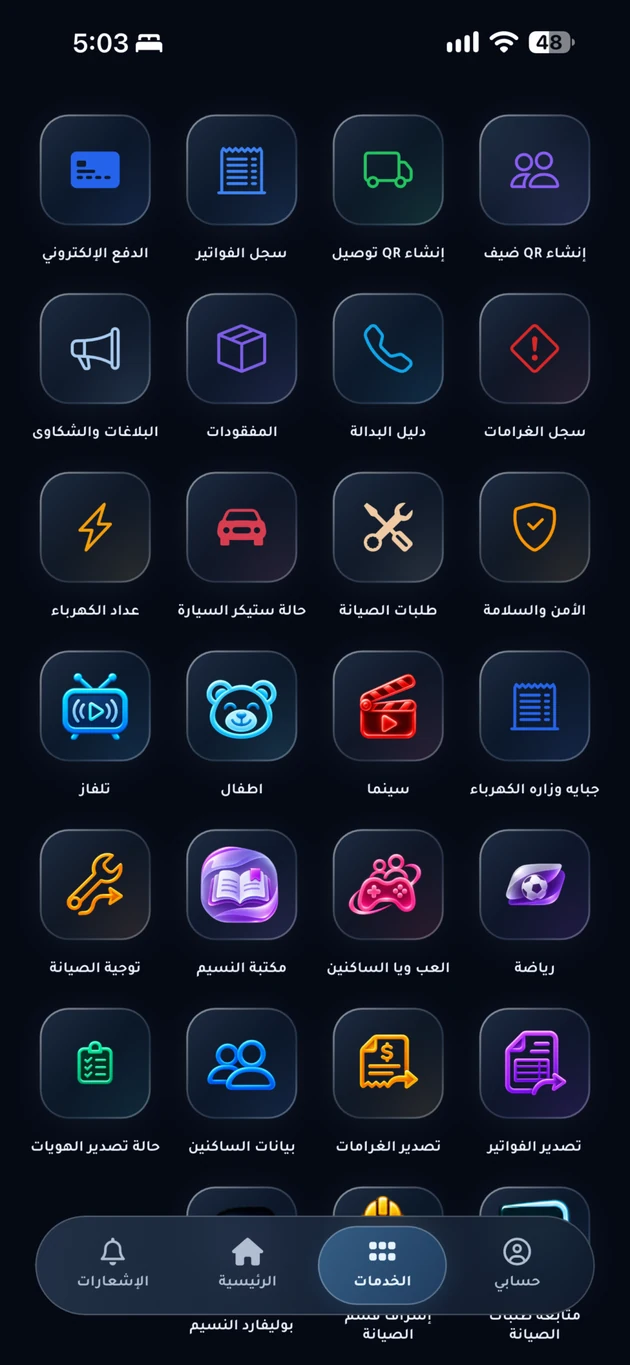
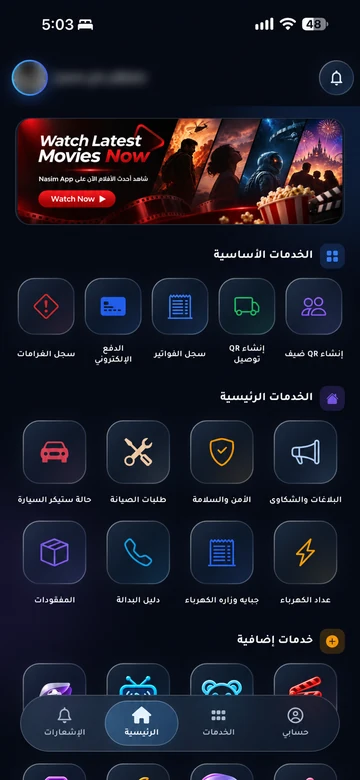
Current app-services overview; enabled services vary by community.
Current app-services overview; enabled services vary by community. Arabic interface shown.

The problem it addresses

Services and providers vary between communities. A local directory helps residents find what is actually available and how to request it without searching through separate channels.

Who is it for?

For residents looking for local services and management teams organizing the available directory.

How the workflow works

  1. Open your community directory

    Go to the services directory in your community app to see the options enabled for your account.

  2. Review the service details

    Check the description, provider, request method, and any displayed charges or conditions before continuing.

  3. Use the specified channel

    Submit a request or contact the provider using the method shown, then follow up with the party responsible for delivery.

What does EMLAK organize?

  • Bring together local services enabled for residents.
  • Explain each service and its request or contact path.
  • Organize access to maintenance and additional services according to community setup.
  • Sports, cinema, TV, a kids zone and IPTV, according to enabled community services.

What depends on your community?

  • Management or the service provider determines the directory, availability, prices, and delivery.
  • A directory listing does not make EMLAK the service provider; review the responsible party and its terms.

Questions before you begin

Is this a directory of every service in Iraq?
No. The in-app directory belongs to your community and its available services. This website’s solutions and services page describes the EMLAK platform’s capabilities.
Why can’t I find a particular service?
It may not be available in your community or for your account. Ask management about existing options or whether it can be added.
Are all services free?
There is no universal rule. Review the provider’s charges and terms before agreeing, and do not assume community fees cover the service.

Start with your community services

This service is connected to your account and community setup. The resident information page helps you find the app or the appropriate support channel.

Your community.
Your app.

An experience with your community’s identity, bringing together the services enabled for your account. Management coordinates resident accounts and available permissions.

Everyday services

Maintenance, reports and entertainment, according to your community’s services.

Payments and invoices

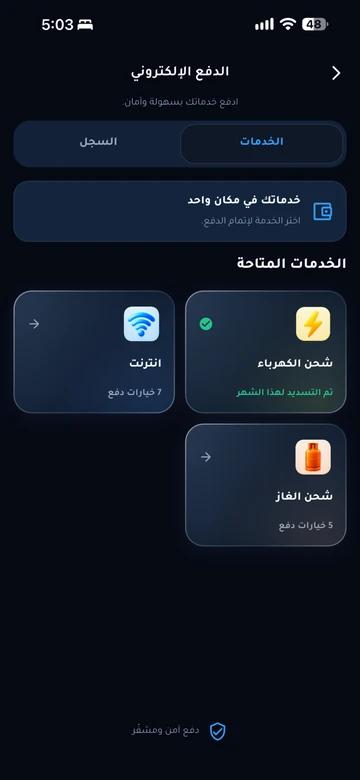
Service payments and digital invoice copies in your account.

Identity and access

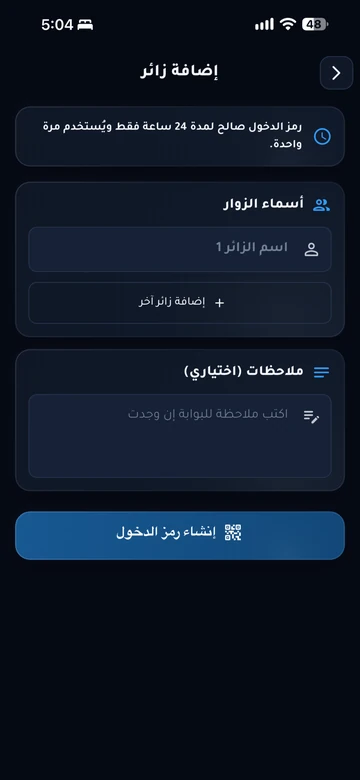
Resident identity and QR invitations within management permissions.

Resident services take place inside the app. Contact community management if you need an account or help signing in.

Explore the resident experience

Let’s talk about
your community.

Learn about EMLAK or arrange a management demonstration. Resident services take place inside the app.

Include the service and community. Do not send passwords or card details.
Loading verification…

Enter the six English letters or digits shown, or listen to them in English. Valid for five minutes.

We use these details to respond to your request. Read the privacy policy.

Receipt is confirmed after submission.

You can also email us directly: info@emlakiraq.com

Inside the EMLAK app.

Services screen in the EMLAK app

Actual screens from published app materials. Community management determines the available services.

Find your community app