Delivery access coordination

Let the gate team know about an expected delivery through your community app. EMLAK connects delivery details to a unit to support checks and coordination on arrival.
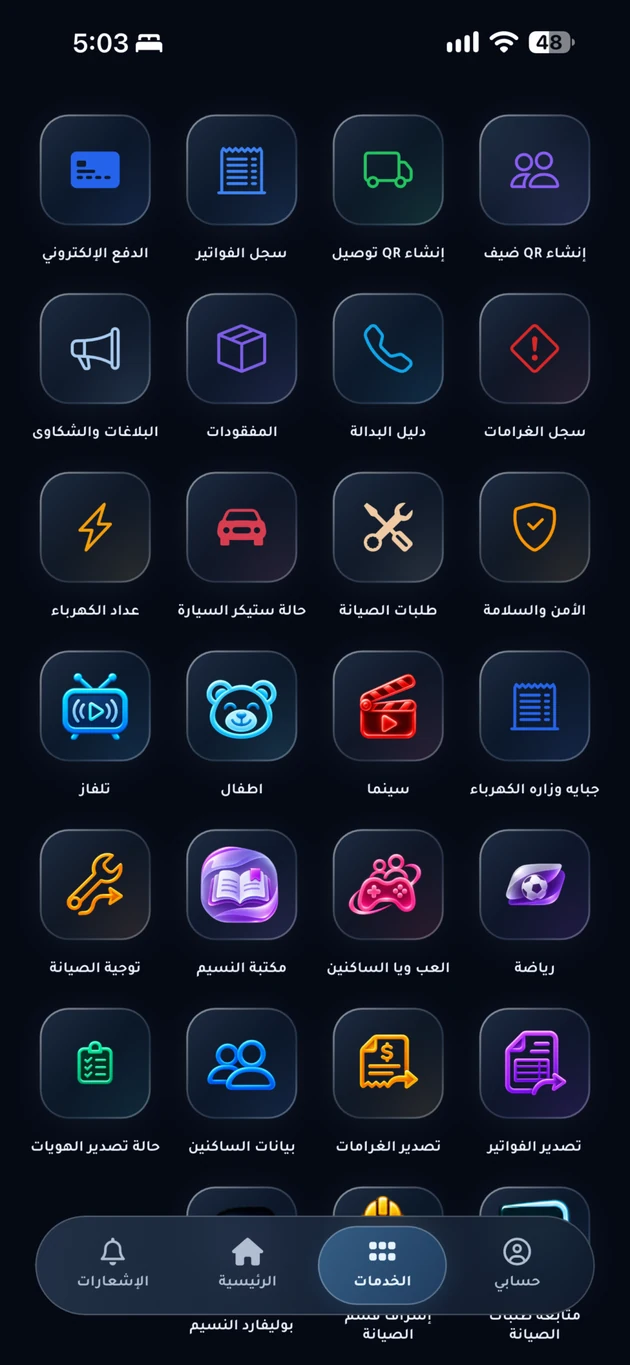
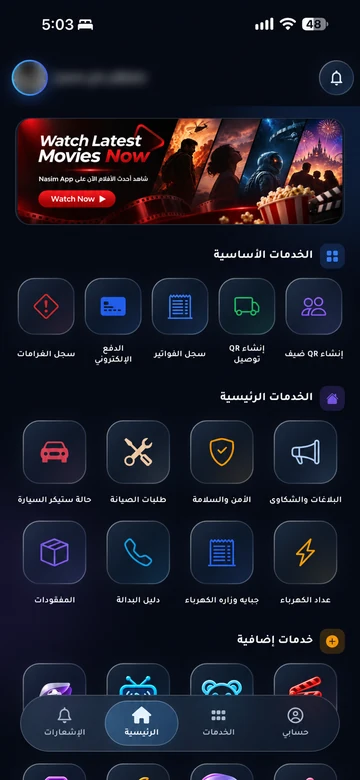
Current app-services overview; enabled services vary by community.
Current app-services overview; enabled services vary by community. Arabic interface shown.

The problem it addresses

Food couriers and furniture deliveries can arrive without enough unit or recipient information. Recording an expected delivery helps residents and gate staff coordinate its arrival.

Who is it for?

For residents receiving orders and gate teams managing courier access.

How the workflow works

  1. Record the expected delivery

    Open delivery services in your community app and enter the required order and courier details.

  2. Inform the gate team

    Staff review the request linked to your unit and check the courier on arrival under community rules.

  3. Follow the arrival

    Check available updates and arrange receipt according to the community and delivery provider’s procedures.

What does EMLAK organize?

  • Connect delivery requests to a resident and unit.
  • Share relevant order details with gate staff.
  • Follow delivery states recorded by the system where enabled.

What depends on your community?

  • The delivery company transports and hands over the order; EMLAK coordinates information with the community gate.
  • Courier access, collection locations, and permitted hours follow management’s rules.

Questions before you begin

Can I order food or buy products from EMLAK?
This service coordinates an existing delivery’s arrival. Purchases and delivery arrangements are made with your chosen provider unless your community advertises an additional service in its app.
Does this include furniture and parcels?
Supported delivery types depend on your community. Large shipments may require advance arrangements and specific access approval from management.
Does registering a delivery guarantee entry?
No. Gate staff still check the order and courier, and access remains subject to community rules.

Start with your community services

This service is connected to your account and community setup. The resident information page helps you find the app or the appropriate support channel.

Your community.
Your app.

An experience with your community’s identity, bringing together the services enabled for your account. Management coordinates resident accounts and available permissions.

Everyday services

Maintenance, reports and entertainment, according to your community’s services.

Payments and invoices

Service payments and digital invoice copies in your account.

Identity and access

Resident identity and QR invitations within management permissions.

Resident services take place inside the app. Contact community management if you need an account or help signing in.

Explore the resident experience

Let’s talk about
your community.

Learn about EMLAK or arrange a management demonstration. Resident services take place inside the app.

Include the service and community. Do not send passwords or card details.
Loading verification…

Enter the six English letters or digits shown, or listen to them in English. Valid for five minutes.

We use these details to respond to your request. Read the privacy policy.

Receipt is confirmed after submission.

You can also email us directly: info@emlakiraq.com

Inside the EMLAK app.

Services screen in the EMLAK app

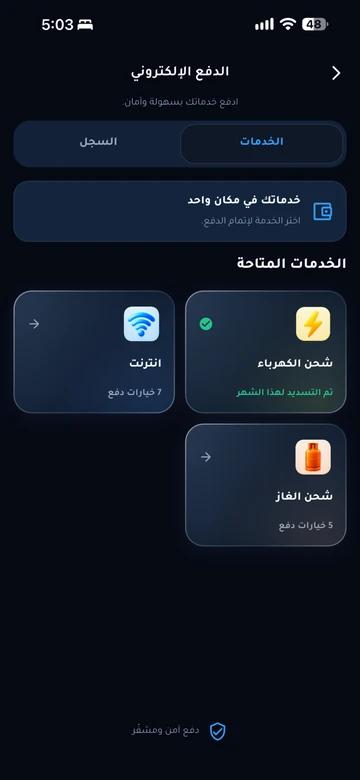
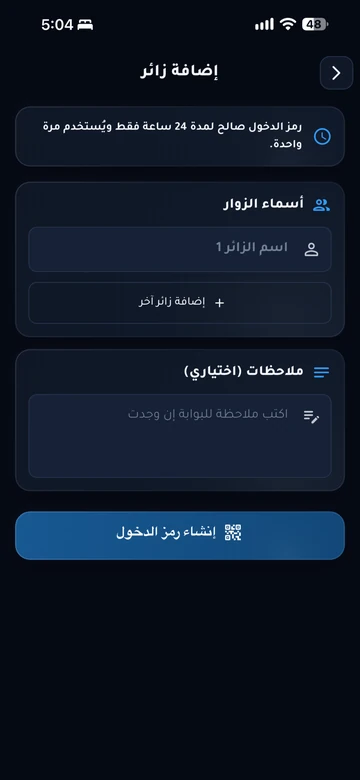
Actual screens from published app materials. Community management determines the available services.

Find your community app