Guest invitations

Create QR invitations for visitors, school drivers and employees in your community app, according to authorized access and gate procedures.
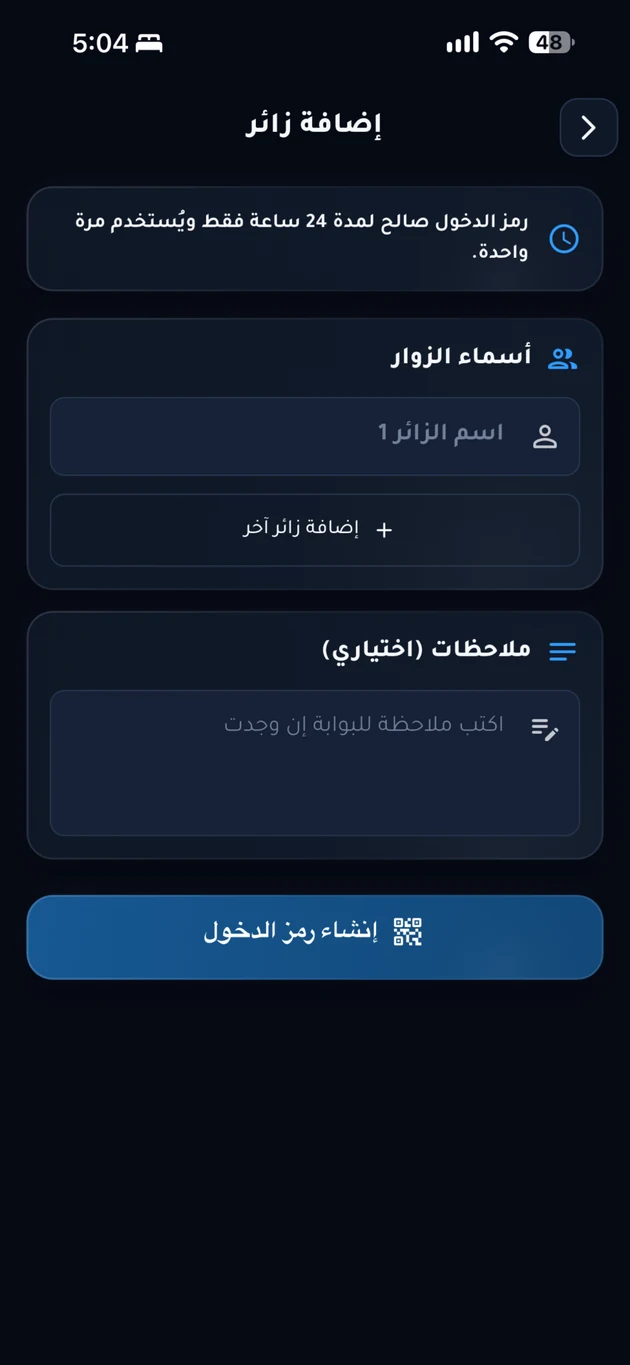
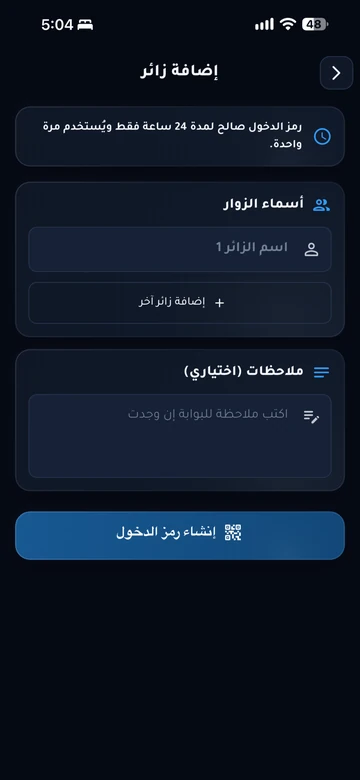
Guest-invitation interface from the EMLAK app; the example does not grant access.
Guest-invitation interface from the EMLAK app; the example does not grant access. Arabic interface shown.

The problem it addresses

Repeated calls at the gate can make arrivals confusing. A digital invitation connects the visitor to a resident’s unit and sets out the visit’s validity.

Who is it for?

For residents welcoming guests and teams responsible for checking entry.

How the workflow works

  1. Create the invitation

    Enter the visit details and select a validity period from the options available in your community app.

  2. Share it with your guest

    Send the invitation and QR code through an available sharing method, including the gate or location if provided.

  3. Validate on arrival

    Your guest presents the invitation so gate staff can check its validity and record entry under community procedures.

What does EMLAK organize?

  • Digital invitations linked to a resident and unit.
  • QR codes and time limits according to community settings.
  • Visitor-entry records and available resident notifications.
  • Invitation types for visitors, school drivers and employees as configured by management.

What depends on your community?

  • Validation requires the visitor service and the community’s approved gate system.
  • Entry frequency, cancellation options, and alerts depend on management’s configuration.

Questions before you begin

Will an invitation automatically open the gate?
Not necessarily. A gate employee may validate it, or it may work with a compatible connected access system. Community management determines the process.
What happens when an invitation expires?
Guests need a valid invitation under community rules. Check its validity in the app and create a new invitation if management permits it.
Can I create an invitation on this website?
Invitations are tied to the resident’s account in their community app. This page explains the service and helps you find the correct channel.

Start with your community services

This service is connected to your account and community setup. The resident information page helps you find the app or the appropriate support channel.

Your community.
Your app.

An experience with your community’s identity, bringing together the services enabled for your account. Management coordinates resident accounts and available permissions.

Everyday services

Maintenance, reports and entertainment, according to your community’s services.

Payments and invoices

Service payments and digital invoice copies in your account.

Identity and access

Resident identity and QR invitations within management permissions.

Resident services take place inside the app. Contact community management if you need an account or help signing in.

Explore the resident experience

Let’s talk about
your community.

Learn about EMLAK or arrange a management demonstration. Resident services take place inside the app.

Include the service and community. Do not send passwords or card details.
Loading verification…

Enter the six English letters or digits shown, or listen to them in English. Valid for five minutes.

We use these details to respond to your request. Read the privacy policy.

Receipt is confirmed after submission.

You can also email us directly: info@emlakiraq.com

Inside the EMLAK app.

Services screen in the EMLAK app

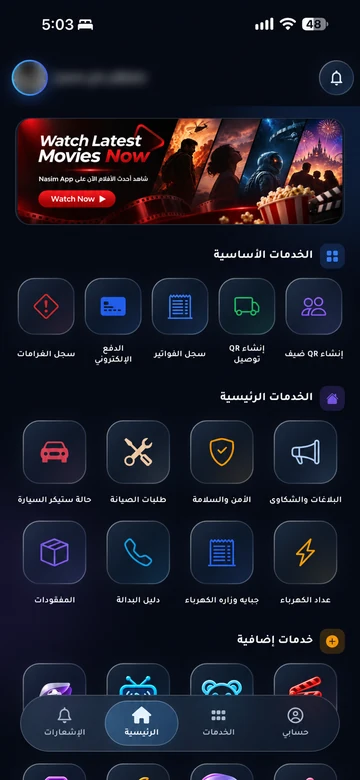
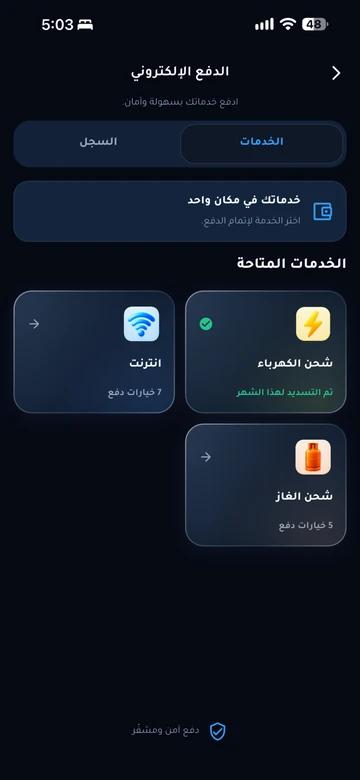
Actual screens from published app materials. Community management determines the available services.

Find your community app