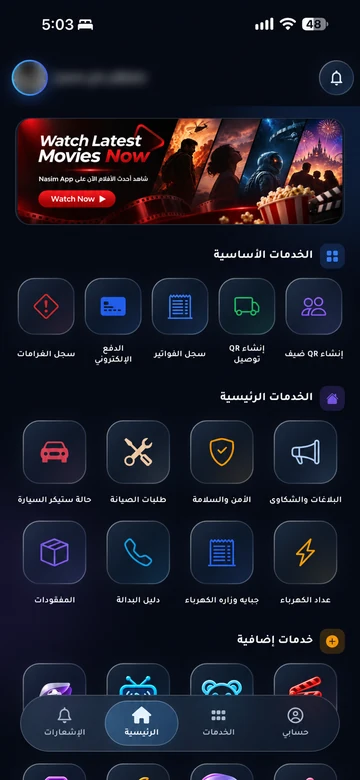
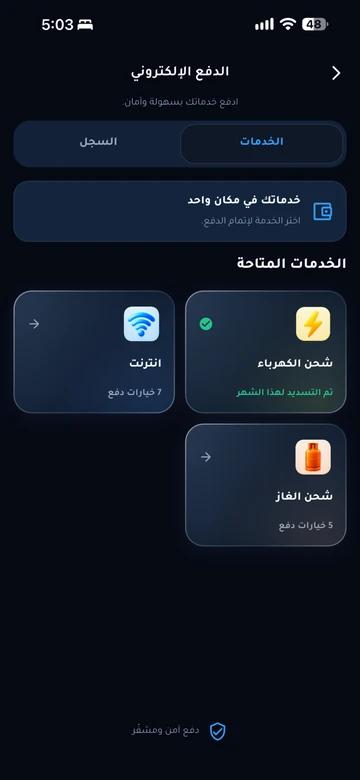
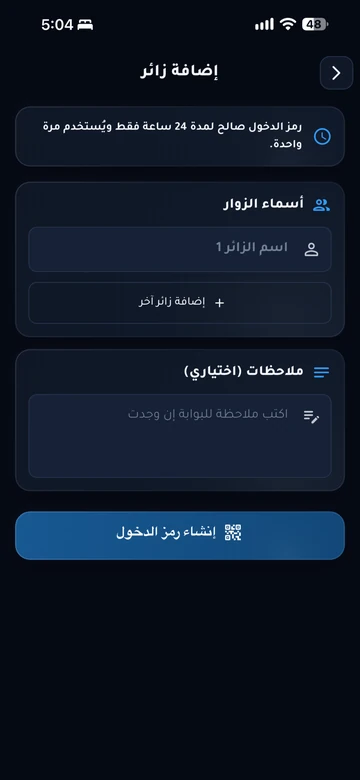
Resident and family identity
EMLAK organizes a resident’s identity and relationship to a unit and household within management permissions. Physical and digital identity formats can be provided, with verification and access methods determined by the community’s equipment.
 EMLAK
- Unit
- C-204
- Resident ID
- DEMO-204
- Account type
- Resident

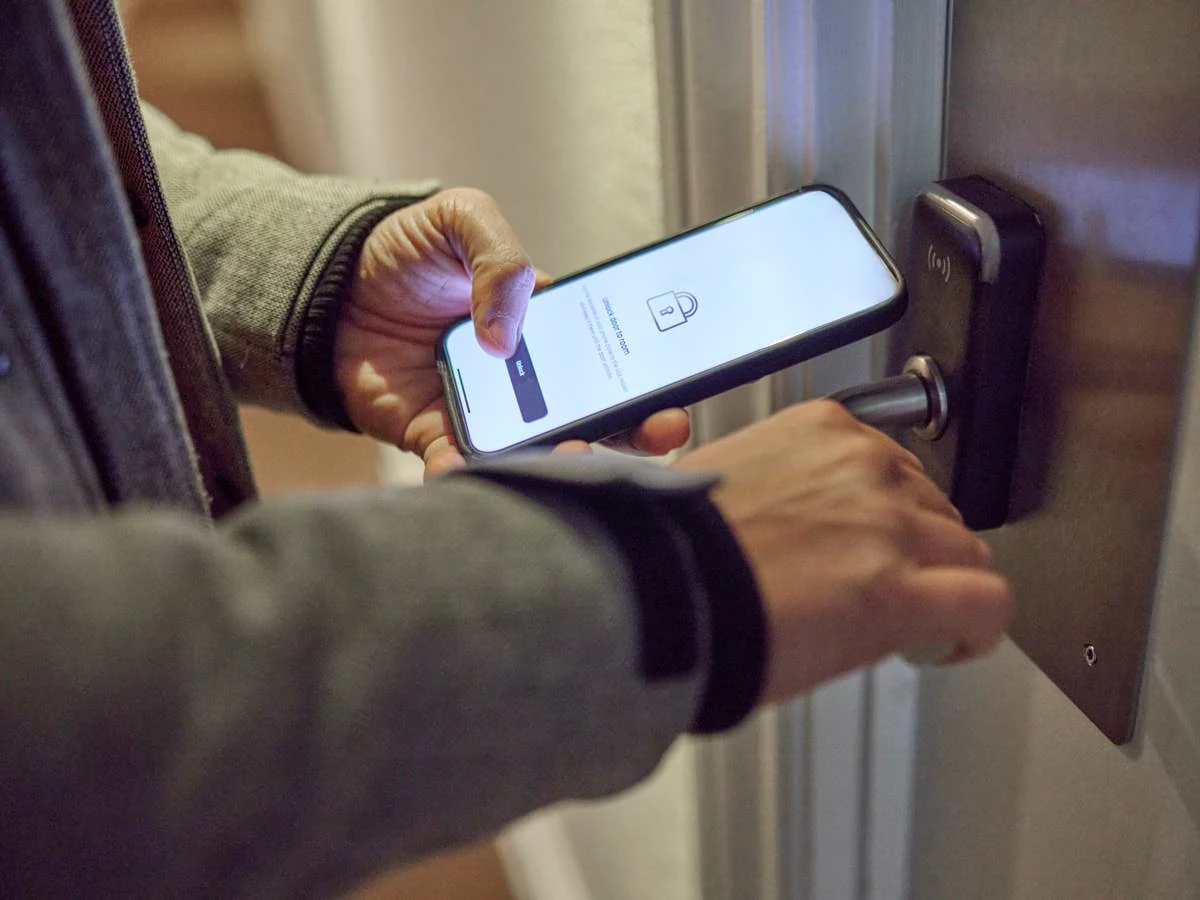
Your identity, at the door.
Use your resident ID with compatible community doors and access systems. Add it to Apple Wallet or Google Wallet through the app when your community enables that integration.
Unlocking depends on the phone or card, reader and authorized permissions. The photo is illustrative, not an EMLAK customer installation.
The problem it addresses
Resident information and access permissions change over time. Connecting identity to the unit record helps management verify the holder and review permissions instead of relying on cards separated from current records.
Who is it for?
For residents who need a community identity and management and gate teams responsible for issuing and verifying it.
How the workflow works
Management checks the record
Management reviews the resident’s details and unit and household relationship under its requirements and permissions.
Issue the appropriate identity
Prepare the physical card or digital identity and available QR or Wallet options within the agreed service.
Use the configured access method
Present the identity for verification or use the card with a compatible reader after management enables the integration and permissions.
What does EMLAK organize?
- Connect resident identity with unit and household records.
- Provide physical and digital identity, with QR or phone-wallet presentation where configured.
- Support NFC cards and compatible access-system integration within the enabled scope.
What depends on your community?
- An identity in Apple Wallet or Google Wallet does not automatically unlock an arbitrary NFC reader.
- Management procedures and the applicable policy govern issuance, activation, cancellation, and household-data handling.
Questions before you begin
How do physical cards, QR codes, and Wallet differ?
Will my phone open every NFC-enabled door?
What if I lose my card or my details change?
Discuss your project’s needs
Tell us about current workflows and equipment so we can review the right scope together.