Gate and community security
EMLAK connects residents with gate teams to coordinate visitors, deliveries, and community-security matters. The service follows management’s procedures and published contact channels.
The problem it addresses
Gate staff need clear visitor, unit, and permission details. Residents need to know which team to contact. The platform brings the relevant entry information and workflows together.
Who is it for?
For residents, gate staff, and community operations teams.
How the workflow works
Choose the reason for contact
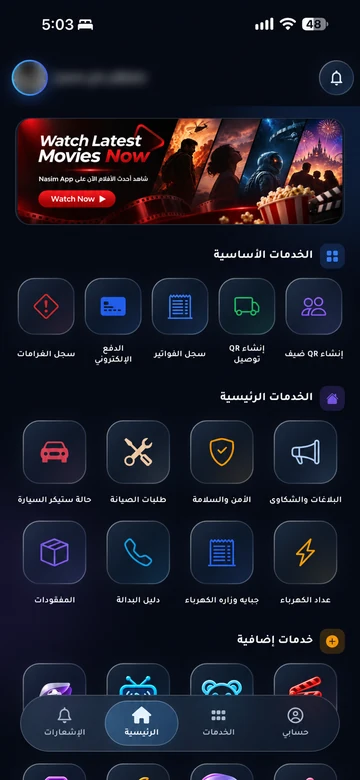
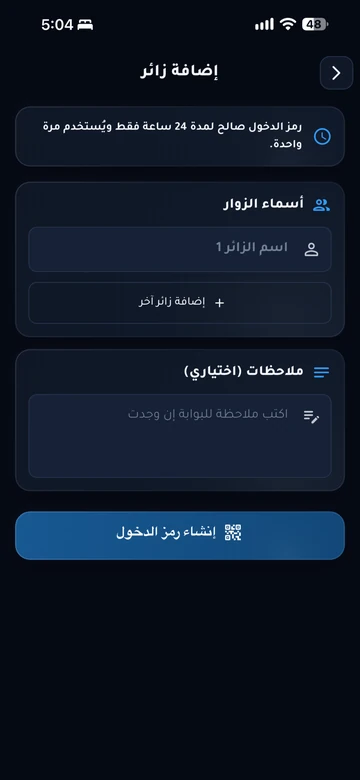
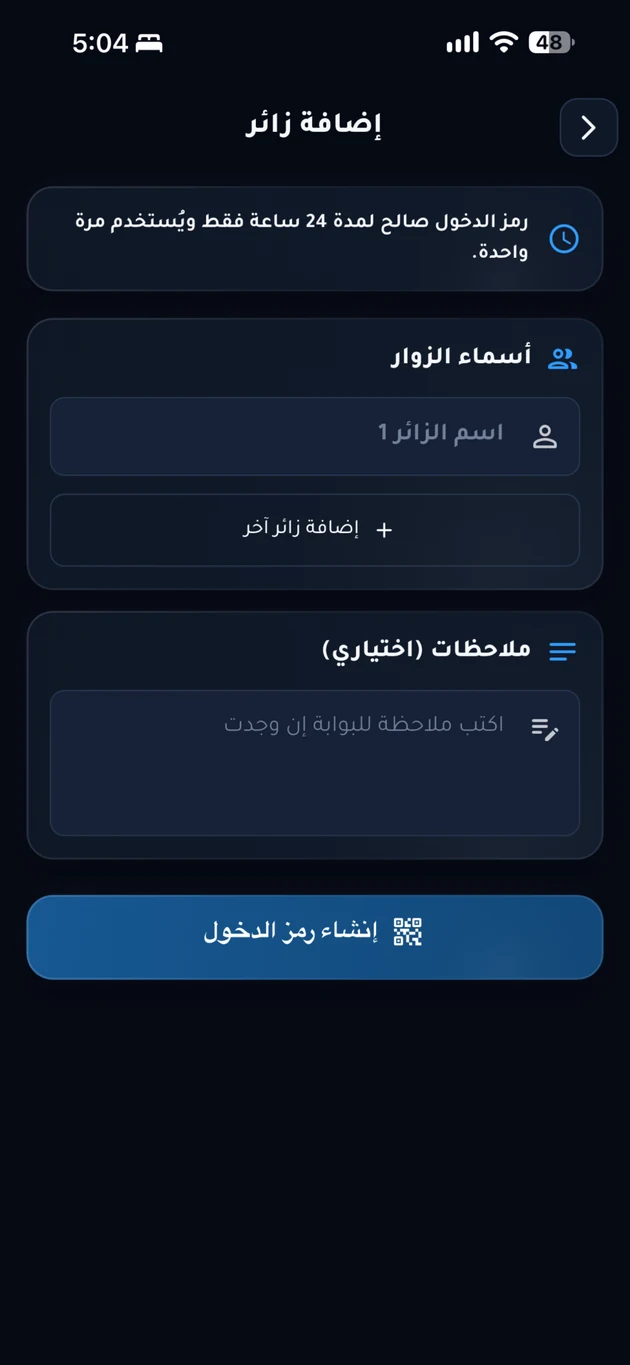
Select a guest invitation, expected delivery, or relevant issue from the services enabled in your community app.
Staff verify the details
Gate staff review unit and permission information or the report and apply the community’s access rules.
Follow the approved channel
Check available updates or use the security number published by community management when direct contact is needed.
What does EMLAK organize?
- Connect visitor and permission details with gate staff.
- Coordinate courier access to resident units.
- Provide community-security reports and alerts according to configuration.
What depends on your community?
- Community management is responsible for staff, emergency numbers, operating hours, and response procedures.
- Physical gate control requires compatible hardware, systems, and an approved integration.
Questions before you begin
Is this a cybersecurity service?
Is there one emergency number for all communities?
Does every notification open the gate?
Start with your community services
This service is connected to your account and community setup. The resident information page helps you find the app or the appropriate support channel.