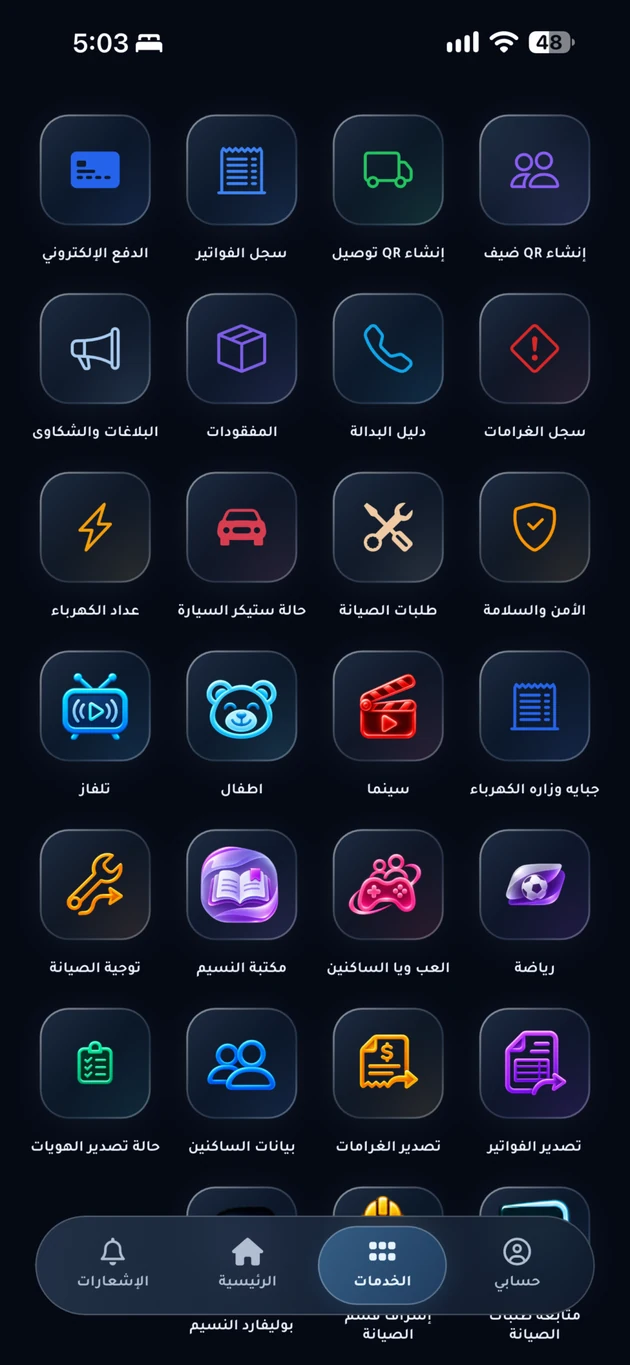
Issues and complaints
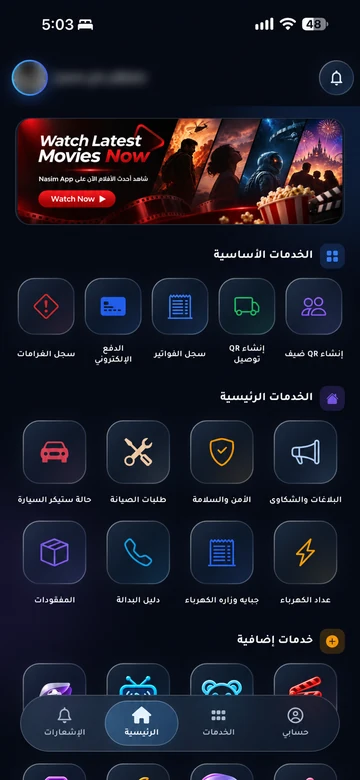
Report a cleanliness concern, disturbance, or shared-facility issue through your app. EMLAK helps record the issue, route it to management, and keep follow-up together.
The problem it addresses
An issue without a clear record is hard to follow. A report brings together its description, location, and relevant attachments for management to review.
Who is it for?
For residents raising concerns and management teams receiving and following up on them.
How the workflow works
Choose the topic
Select an appropriate category in the app. Distinguish a shared-facility concern from a maintenance request requiring technical work.
Add useful details
Describe what happened and where. Use the available attachments without sharing unnecessary personal information.
Follow an existing report
Return to the reports history in your community app to check its status, updates, or requests for further information.
What does EMLAK organize?
- Categorize issues and record a clear description.
- Add relevant location details and supported attachments.
- Follow report status and updates in request history.
What depends on your community?
- Community management determines categories, handling procedures, and viewing permissions.
- An in-app report is not an emergency call; handling time depends on the responsible team.
Want to follow an earlier report?
Sign in to your community app and open reports history. If you need the app link or help reaching it, start with the resident information page.
Questions before you begin
Where are my previous reports?
Is this the management reporting system?
Can I report without displaying my name?
Start with your community services
This service is connected to your account and community setup. The resident information page helps you find the app or the appropriate support channel.