Maintenance requests
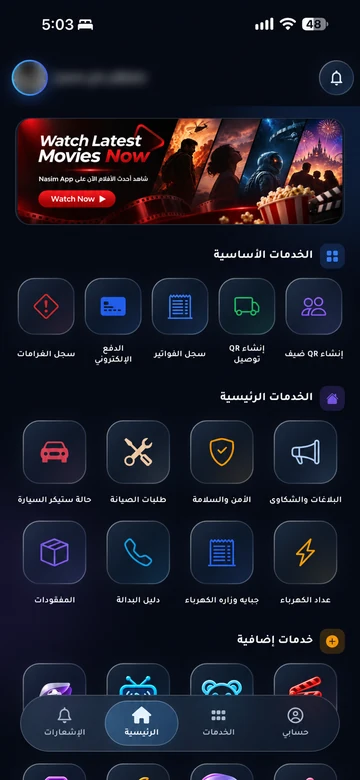
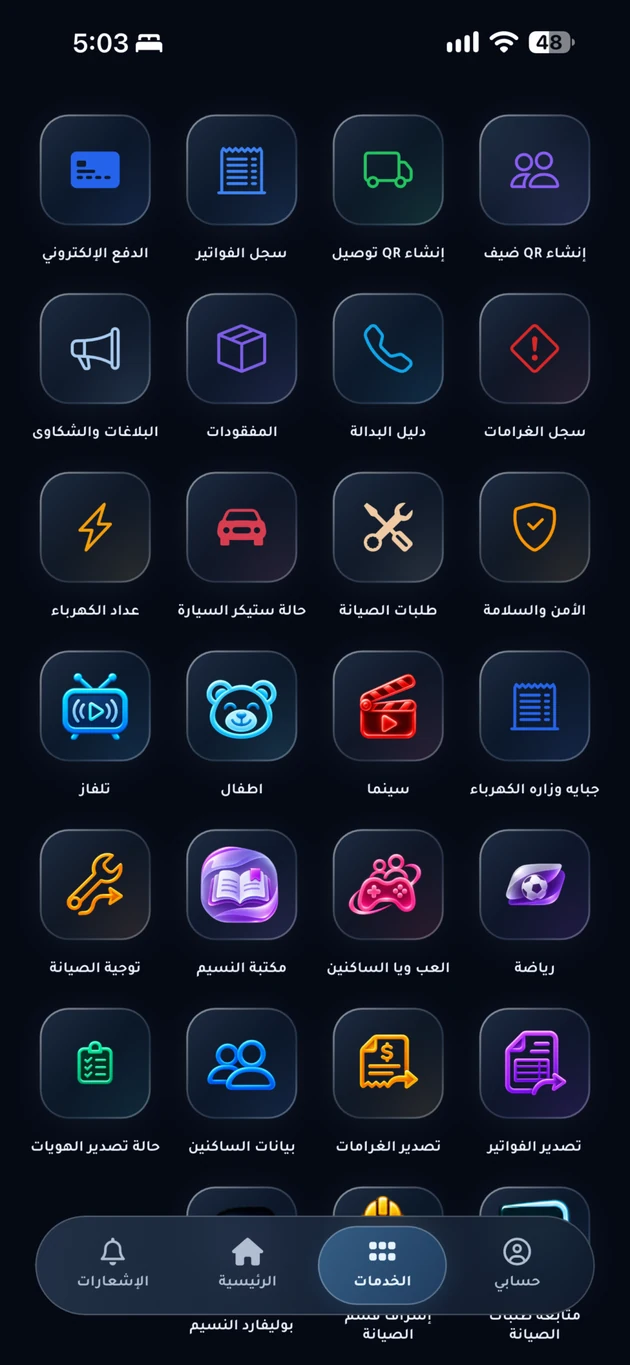
Submit details of a fault through your community app and follow your request. EMLAK helps management organize requests and assign work to the responsible maintenance team.
The problem it addresses
When a fault is described across calls and messages, ownership and next steps become unclear. A recorded request keeps the problem and its follow-up together for residents and management.
Who is it for?
For the resident reporting a fault, the coordinating team, and the community’s approved technicians.
How the workflow works
Describe the problem
Choose an available maintenance category, identify the unit, and add the details or photos requested in the app.
Management reviews it
The team checks the details, directs the request to the appropriate staff, and coordinates the work under its procedures.
Follow the updates
Check the request’s status and notes until the outcome is recorded. Refer back to it when further follow-up is needed.
What does EMLAK organize?
- Organize maintenance requests by service type.
- Coordinate work and direct requests to the responsible team.
- Keep request histories and status updates for follow-up.
What depends on your community?
- The community or service provider sets service categories, technicians, schedules, and charges.
- Submitting a request does not confirm a visit or authorize a charge; check the details with management.
Questions before you begin
Does EMLAK carry out the repair?
Which maintenance services are available?
How do I follow an existing request?
Start with your community services
This service is connected to your account and community setup. The resident information page helps you find the app or the appropriate support channel.