Electricity and utility bills
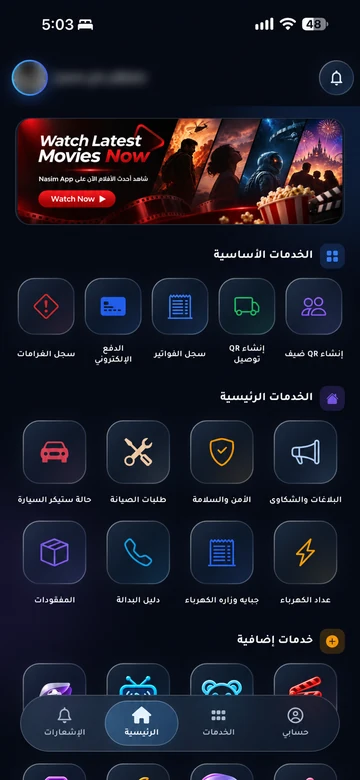
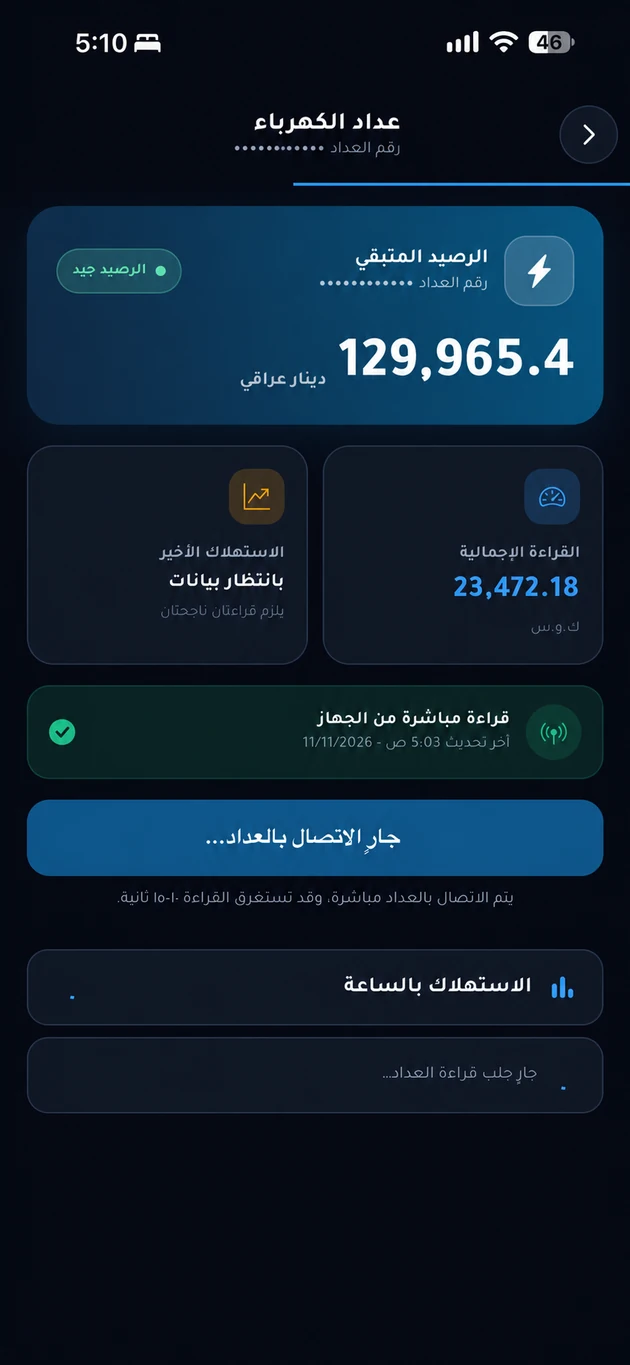
Review your meter reading, prepaid balance and recorded usage in the community app, according to the enabled meter integration.
The problem it addresses
A bill is harder to understand when the reading and amount are held separately. Linking a unit to its readings and billing history gives residents a clear basis for checking charges or raising a question.
Who is it for?
For residents reviewing consumption and management teams responsible for readings and billing.
How the workflow works
Check the reading
Open electricity services in your community app. Check the linked meter and the date of its latest update.
Review the bill
Check recorded consumption, the billing period, and the amount issued by the service operator.
Follow the payment
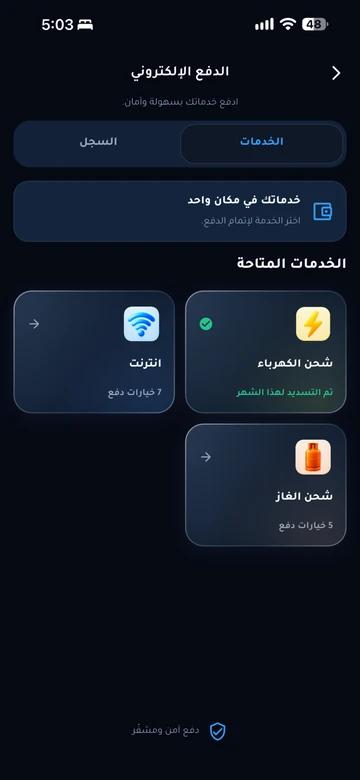
Use a payment method available for your community, then check the bill’s status in your payment history.
What does EMLAK organize?
- View the electricity readings and consumption recorded for a unit.
- Refer back to readings, bills, and payment history.
- Receive consumption and billing alerts where configured.
What depends on your community?
- Reading frequency depends on the meter and its integration; readings are not necessarily live.
- The service operator determines tariffs, issues bills, and enables payment methods.
Questions before you begin
Does EMLAK connect to every meter?
What if a reading or charge seems incorrect?
Can I pay on this page?
Start with your community services
This service is connected to your account and community setup. The resident information page helps you find the app or the appropriate support channel.