
Digital invoices and payments
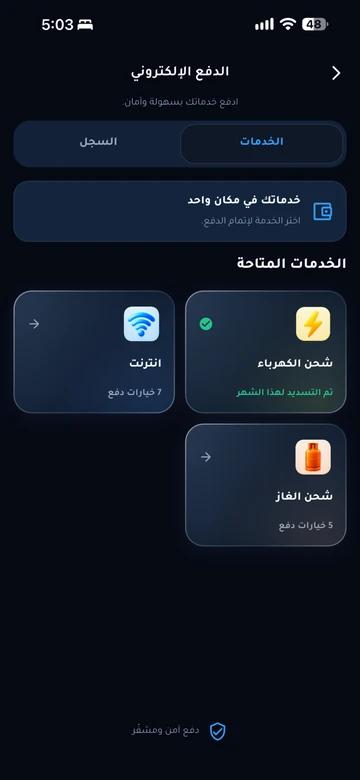
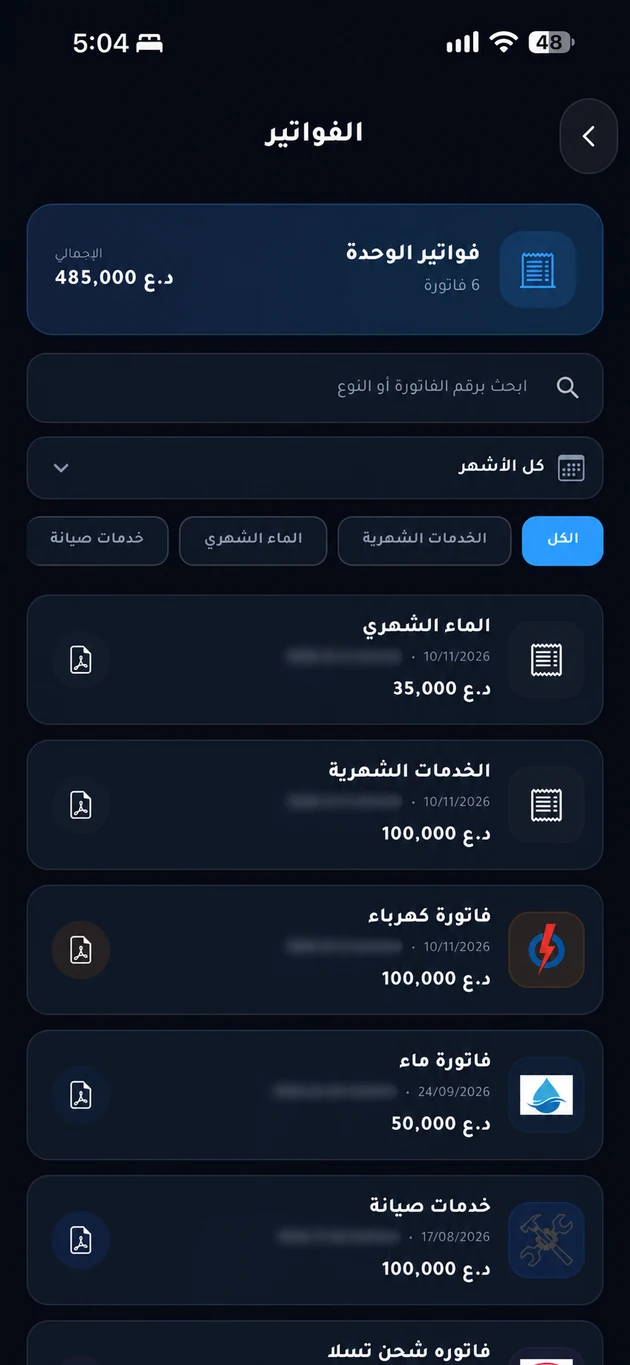
Keep digital copies of invoices for cash and online payments, and follow payments and instalments in your community app.
The problem it addresses
Separate spreadsheets and scattered receipts make balances difficult to reconcile. A payment record linked to the unit gives both parties a clearer view of amounts paid and outstanding.
Who is it for?
For buyers and residents with scheduled payments, and community accounts and sales teams.
How the workflow works
Record the agreed schedule
Management sets installments, amounts, and dates according to the contract or agreement for the unit.
Review what is due
Open your schedule in the app and check the date, amount, and recorded payments before paying.
Check the payment record
After using an approved payment channel, follow the recorded payment and retain the receipt for reference.
What does EMLAK organize?
- View payment plans and installment due dates.
- Issue invoices and record payments and receipts.
- Follow overdue amounts, reminders, and management financial reports according to permissions.
- Save a digital invoice copy for cash or online payments.
What depends on your community?
- Contracts and beneficiaries determine installment terms, amounts, and fees; EMLAK is not a lender.
- Payment methods and transaction states depend on enabled services and confirmation by the responsible party.
Questions before you begin
Can EMLAK provide a loan or installment agreement?
I paid, but the payment is not showing. What next?
Who receives my installment?
Start with your community services
This service is connected to your account and community setup. The resident information page helps you find the app or the appropriate support channel.